


Home Office health and safety rules
The home office can be a convenient and efficient way of working, but it is not an area without rules from an occupational safety and health perspective. Employers must also ensure that working conditions are safe and healthy when working from home.
This page summarises the most important home office health and safety rules, we show what to look out for when designing your workspace and what elements are necessary or recommended for safe teleworking.


What is a home office?
We refer to “home office,” or remote work, when an employee performs their work, in whole or in part, not at the employer’s premises but at a separate location—typically at home. This can involve working from home full-time, or even a hybrid work arrangement, such as working from home a few days a week.
What is a workspace?
In a home office, the workplace is not the whole home, but the specific area where the employee actually works. This is usually a designated work area of about 2-4 m², where a desk, chair, computer, monitor, filing cabinet and all regularly used work equipment are located.
The work area must be suitable for the worker to carry out his or her tasks safely, in a suitable posture and without risk to health.
Watch our short instructional video on the most important aspects of home office safety: workplace design, ergonomic basics, common mistakes.
Compulsory elements for home office work
The workplace should be designed to allow the worker sufficient space to change his or her posture and movements. A confined work space is not only an accident hazard, but can also be psychologically stressful. The following conditions must be met in order to work safely and properly at home.

Suitable work desk
The desk should be stable, of a suitable size and provide enough space for a laptop or monitor, keyboard, mouse and documents. It is important to work comfortably at the desk: shoulders should not be hunched, wrists should not be permanently broken and there should be enough room for legs.

Suitable work chair
The work chair should be stable and ensure easy, free movement and a comfortable body position. The chair should support the spine and have a surface that prevents the worker from slipping off. The height of the chair must be easily adjustable, and the backrest must be height-adjustable and tiltable. An unsuitable chair can cause back, back, shoulder and neck pain over the long term.

Appropriate lighting
The work area must have adequate natural or artificial lighting. Light should not reflect on the monitor, should not glare and should allow comfortable reading of the screen and documents. Poor lighting can cause eye fatigue, headaches and loss of concentration.

Ventilation and proper temperature
The working area must be ventilated and adequately heated. A room that is too hot, too cold or not ventilated is detrimental to comfort and working efficiency.
Safe working tools
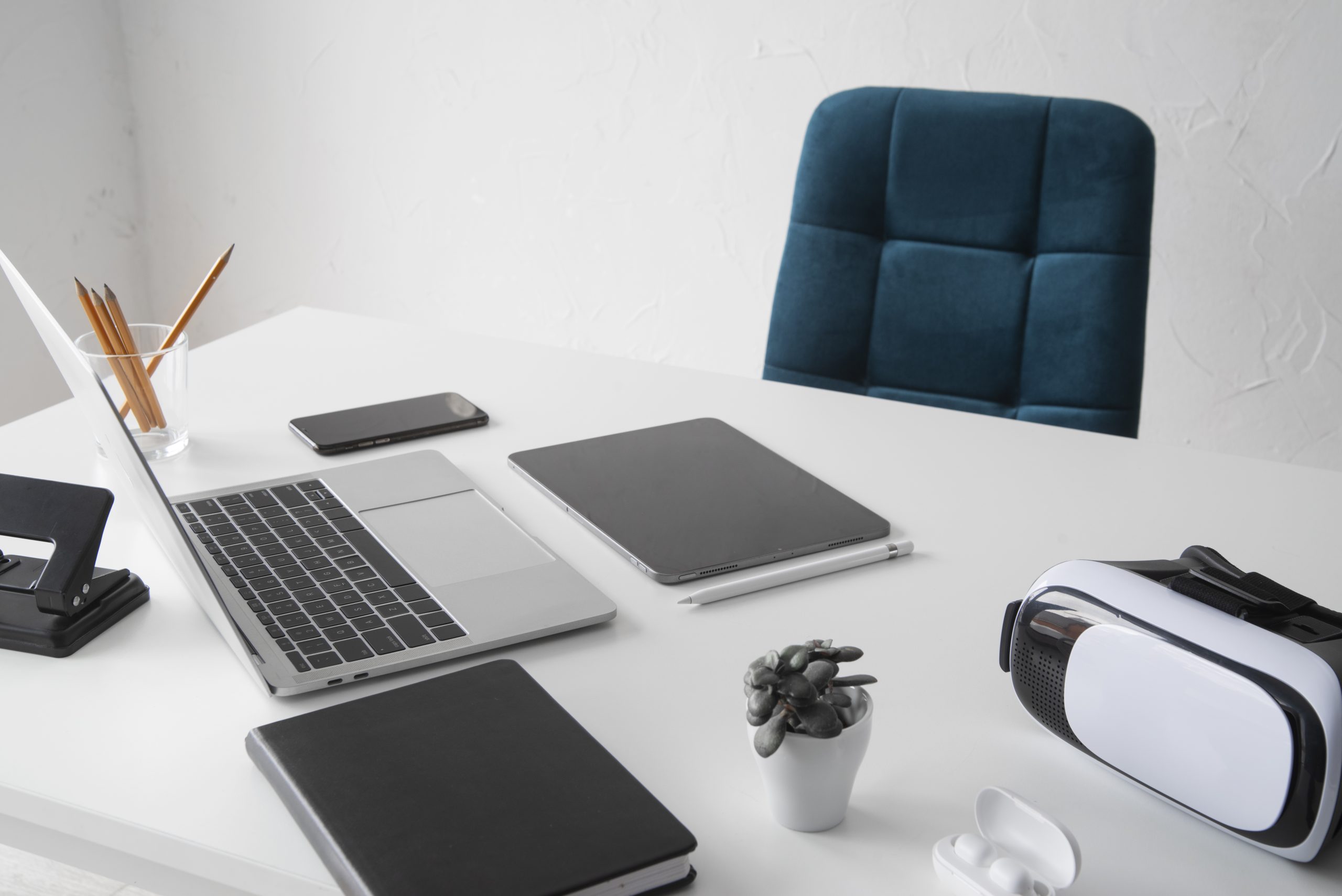
The devices you use - such as laptop, monitor, charger, extension cord, keyboard, mouse -
be in a safe, undamaged condition. Avoid damaged cables, overloaded distributors, unstable devices and any solution that could present a shock, fire or accident hazard.
Proposed, optional elements
The following tools and solutions are not mandatory but will significantly improve the home office job security, make work more comfortable and reduce health risks.

External keyboard and mouse
It is particularly recommended for laptop work, as it helps to create a more natural hand and arm grip. This reduces strain on the wrists, shoulders and neck.

Monitor stand or laptop stand
It helps to move the screen closer to eye level so the worker does not have to keep looking down. This can reduce the chance of neck and shoulder pain.

Wrist support
A useful addition for heavy typing or mouse use. It helps to prevent the wrist from being permanently broken, thus reducing discomfort from overuse.

Table lamp
Recommended as supplementary lighting when natural light is not sufficient. Helps to provide comfortable
reading, reduces eye fatigue and improves concentration.

Overvoltage protection
The surge protector protects your computer, monitor, router and other electronic devices from power surges. It also contributes to electrical safety.

Smoke detector
It is also a useful safety tool for working at home. It can provide an early warning in the event of smoke or fire, especially where several electrical devices are operating simultaneously.

Fire extinguisher
It is not compulsory, but it may be advisable to keep a small fire extinguisher that you can use at home. It may allow rapid intervention in the event of an electrical fault or initial fire.

Regular breaks and re-exercise
Prolonged sedentary work is stressful in itself. It is worth standing up for a few minutes every hour, moving your neck, shoulders, back and legs. This can reduce musculoskeletal complaints and
the risk of eye fatigue.
The downloadable material may be useful:
employers to develop home office rules,
For HR and business leaders to support internal processes,
workers to control their own workspace.
Outsource your home office to an expert
occupational safety!
Compliance with home office health and safety rules is important not only for legal compliance, but also for the health, safety and efficiency of workers.
X-Cedit helps businesses to comply with teleworking health and safety rules, to prepare a home office risk assessment and to draw up the necessary documentation.
Get expert help!
Contact us to set up your home office in a secure, orderly and transparent way.